Best LANDI Android POS Hardware for Retail in 2026: A Buyer’s Comparison
Danielle Dixon | 9 Min Read

The key to success in any retail establishment largely depends upon two factors – efficient operations and customer experience.
Handheld POS terminals can bridge this gap ending the woes of stakeholders like you, while elevating customer experience.
With a Handheld POS terminal, there’s no need to rush back to your store’s POS system every time you need to check inventory, update prices, make a remote sale on the retail floor, or reconcile lottery transactions.
This blog dives into portable POS systems and how they can up your retail game allowing you to deliver on customer touchpoints to enhance experience and improve engagement.
We will also cover some of the best POS handheld devices available in the market to help you compare and start growing your business.
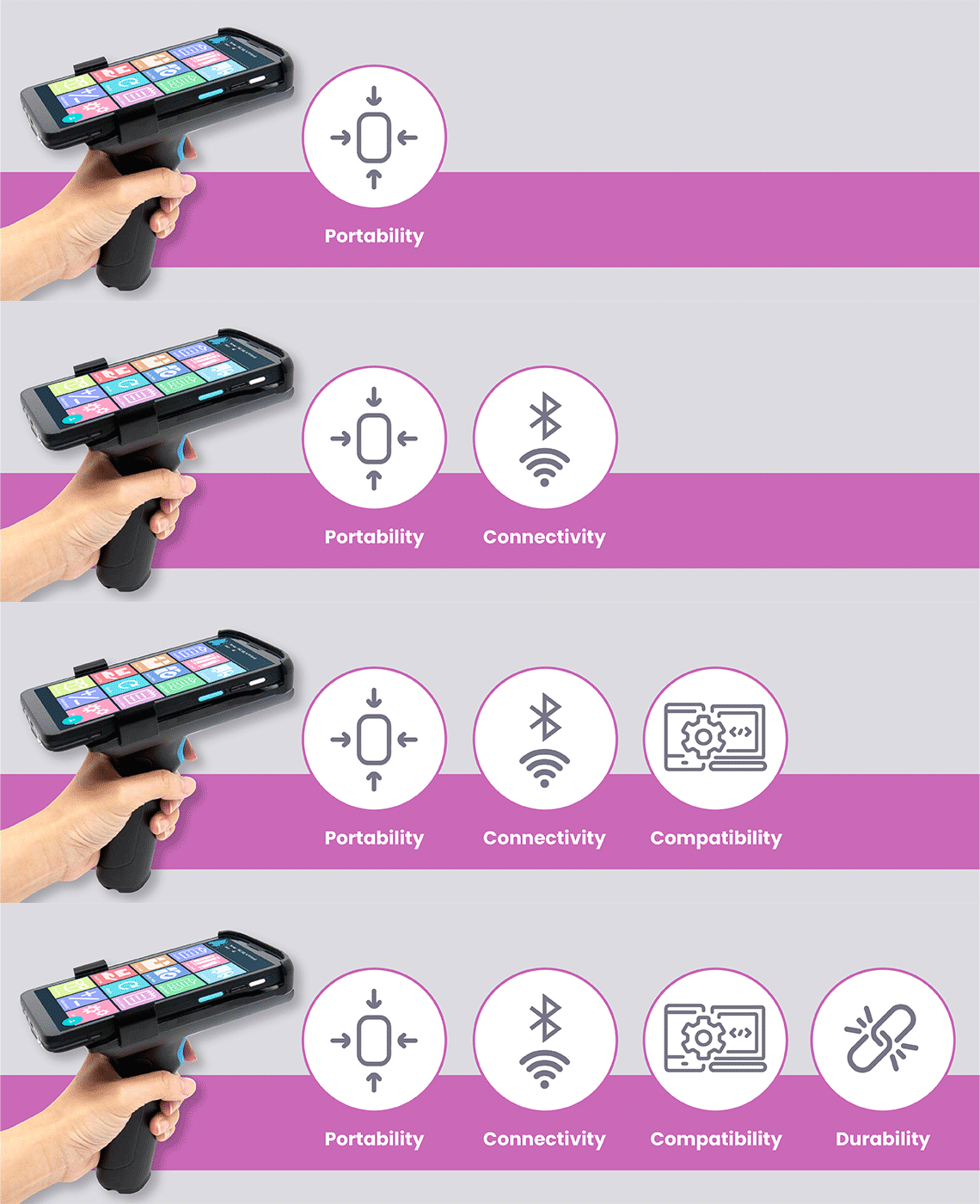
Ensure that the mobile POS system is lightweight, easy to fit in hand, and has a good battery life to carry retail operations uninterrupted. The handheld POS system you choose must offer increased mobility to your staff and convenience to serve customers from anywhere in the store.
Wireless technologies such as Wi-Fi, Bluetooth or even cellular connectivity allows handheld point of sale to connect seamlessly with the central POS system. Wireless connectivity facilitates real-time communication and data synchronization enabling quick and efficient processing.
Ensure that the handheld POS system you choose is easy to integrate with your existing business infrastructure. Whether you’re upgrading current equipment or evaluating new POS hardware for your business, the system should enable a smooth transition without disrupting day-to-day operations.
One critical aspect is to assess the build quality of the mobile POS terminal. The device must be robust enough to withstand everyday wear and tear. Also, a durable handheld point of sale POS terminal ensures longevity and minimizes the need for maintenance and replacements.
The POS terminal you decide on must allow you to easily toggle between various functions to increase the operational efficiency.
A prompt support team can go a long way in keeping the operations running in the event of system failure or malfunction. Ensure that the POS terminal vendor offers quick turnaround time to address issues promptly. Also, check for any additional training modules including manuals and videos tutorials for a seamless implementation process.
Find out the total cost to acquire the entire handheld POS system including upfront cost, subscription fees, and any additional charges to get set up. Evaluate your budget requirement for the POS handheld devices and weigh it against the features and benefits you are getting with it.
A POS terminal is a go-to tool in various business environments. Depending upon the business model, you ought to look for additional features such as:
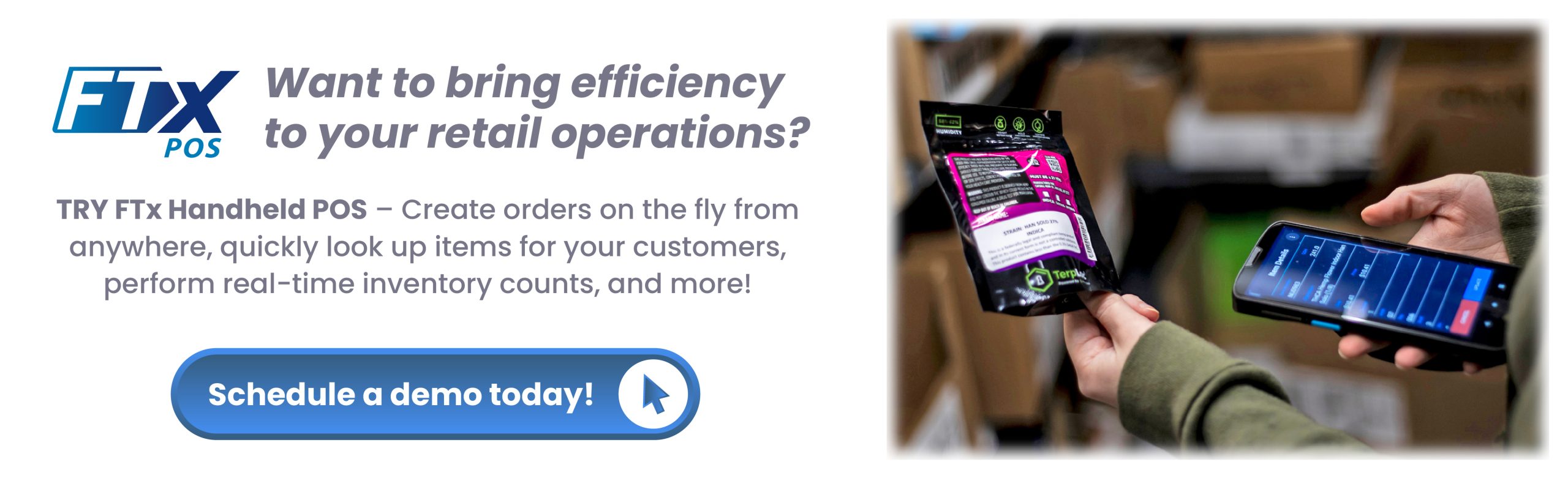
Handheld POS terminals offer numerous benefits such as real-time stock updates, improved inventory, unified data management, and more.
Let’s explore the benefits offered by handheld point of sale terminals.
Today’s retail environment demands consistent, and up-to-date information across all touchpoints. An integrated POS system enables data synchronization between various devices such as handheld POS terminals, tablets, and traditional over-the-counter systems.
With a centralized approach to inventory and other retail functions, these systems deliver accurate information about stock, efficiently process remote orders, ensure timely fulfillment, and more.
POS handheld devices play a crucial role in improving your bottom line. With effective inventory management, POS terminals enable real-time inventory tracking, automated updates, and low-stock alerts. This prevents the loss of sales by ensuring that your store has the right product in stock to meet customer demands.
Advanced handheld POS systems offer features like vendor management and creating purchase orders to streamline supply chain and optimize inventory levels. Automating these processes helps you to reduce manual errors, save time, and make data-driven decisions.
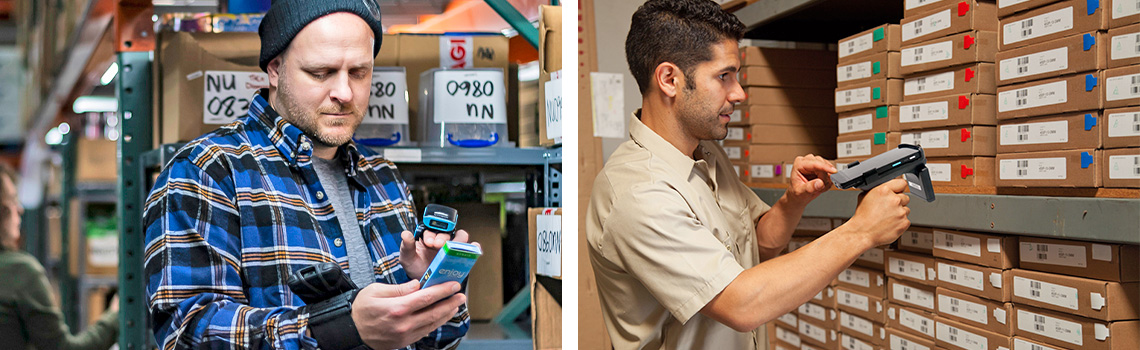
Easily perform inventory counts while your store is in full operation, using one or more handhelds simultaneously. Instantly count or update inventory and track stock levels in real-time from anywhere!
A mobile POS terminal empowers staff to quickly pull up information regarding any product including price, availability, etc. This instant information allows your staff to cater quicker to customers’ inquiries, thus enhancing overall shopping experience.
One such benefit of a handheld POS system is that it can seamlessly integrate with your existing retail systems including inventory management, and eCommerce platform. This integration ensures smooth transition of data between systems, providing a bird’s eye-view of your operations and enabling data-driven decisions.
Let us now explore some of the best POS handheld devices by comparing their features, price, and best used for.
Watch How to Unlock Speed & Efficiency with Handheld POS Technology
Set customized permissions to employees or employee groups to manage what action they can perform, and which features they have access to.
Scan and queue up labels that can be printed from the backend via the label printing manager.
Scan and add products to a temporary purchase order or invoice and later convert it to an actual purchase order or invoice from the backend.
Verify the invoice by scanning the products to check for variances that might have been applied to inventory.
Create a remote sale by scanning products which can then be continued and finished on the point-of-sale.
Perform inventory counts with one or more handhelds simultaneously without disrupting the store operations.
Wish to transfer a few slow-moving products to another store where there is a demand for it? Don’t worry! Use this FTx Handheld feature to enter and scan products that need to be transferred to other locations.
Reconcile lottery tickets on the handheld with Lottery Reconciliation and free up the POS to handle transactions and other tasks.
Instantly count and update inventory without reconciliation/saving needed at the end. (can be used for small group of items in a single location)
View the price and details of a product or item right from the handheld device.
Manage the clock-in and clock-out timings of the staff for hassle-free performance and attendance monitoring.
It is quite clear that handheld POS systems are the way to simplify operations, manage inventory on the go, make data-driven decisions, attend to customers from anywhere, and help you to grow business and revenue.
Looking for a reliable handheld POS system for your retail business? Give FTx POS a try!
FTx POS offers:
Don’t wait to increase your retail profits. Call us today at 845-719-3550 to get started!
FTx Handheld POS terminals provide enhanced data security and backup capabilities as compared to traditional on-premises solutions. These are usually cloud-based POS systems and typically employ robust security measures, such as encryption and multi-factor authentication to protect sensitive customer and transaction data.
No, you cannot. The POS terminal requires a specific hardware setup. However, FTx POS offers a handheld application that you can use on the Android handheld device
The cost of a POS system varies as some of them come with monthly subscription, or one-time fees or even both.
Typically, three types of costs are associated with POS systems. They are software costs, hardware costs, and card processing fees. The cost also may vary from provider to provider, features, and business scale. You may request a quote from the vendor based on your requirements for accurate estimates tailored to your business needs.


Danielle Dixon | 9 Min Read